
Tutorial
GhostDesk MCP Server: Give AI Agents Full Linux Desktop Control
Master GhostDesk to give your AI agents complete virtual Linux desktop control with human-like interactions.
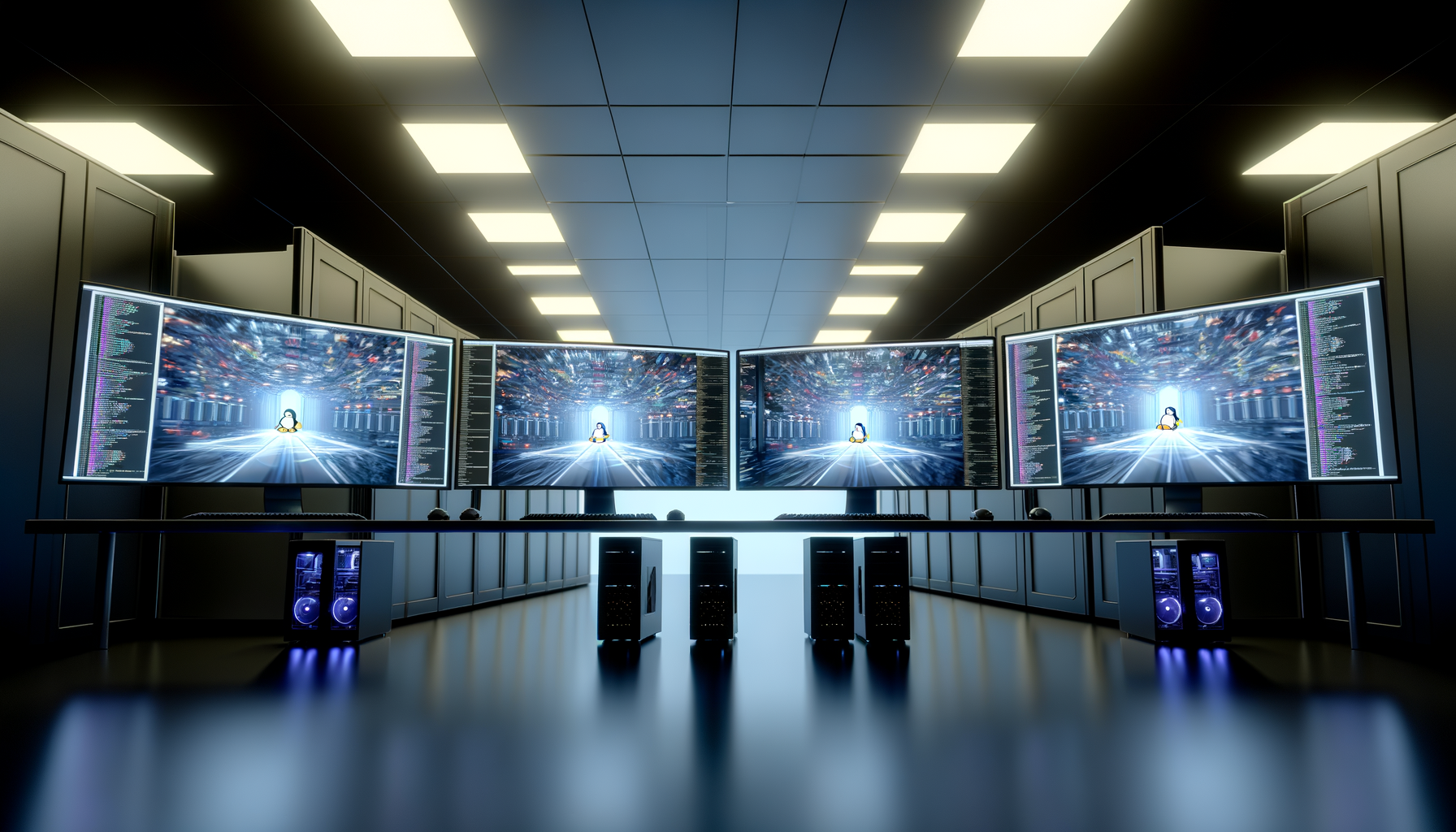
Master GhostDesk to give your AI agents complete virtual Linux desktop control with human-like interactions.
GhostDesk represents a paradigm shift in AI-desktop interaction by providing human-like input simulation that bypasses sophisticated bot detection systems. Traditional automation t...
Getting GhostDesk running requires Docker and basic Linux knowledge. Start by pulling the official GhostDesk image from the container registry: docker pull ghostdesk/mcp-server:latest
GhostDesk's screenshot capabilities provide AI agents with real-time visual context of the desktop environment. The system captures high-resolution images at configurable intervals... As businesses increasingly rely on digital technologies, the risk of cyber threats also grows. A robust IT service provider will implement cutting-edge cybersecurity measures to safeguard your valuable data, sensitive information, and intellectual property. From firewall protection to regular vulnerability assessments, a comprehensive security strategy ensures that your business stays protected against cyberattacks.
GhostDesk provides AI agents with full shell access to the underlying Linux system, enabling powerful automation scenarios that combine GUI interactions with command-line operations. Agents can execute system commands, manage files, install software, and configure services while simultaneously handling graphical applications. The shell integration includes safety mechanisms to prevent destructive commands and maintain system stability. Agents operate within configurable permission boundaries, with command whitelisting, resource limits, and sandbox restrictions. This approach balances automation power with security requirements for production deployments. Advanced use cases leverage the combination of shell and GUI capabilities for comprehensive workflow automation. For example, an AI agent might download files via curl, process data with command-line tools, then upload results through a web interface. This hybrid approach eliminates the limitations of purely GUI-based or CLI-only automation solutions. Process monitoring and logging provide visibility into agent activities across both graphical and command-line interfaces. Administrators can track executed commands, UI interactions, and system resource usage through comprehensive audit trails. This transparency is essential for debugging automation workflows and ensuring compliance with security policies. Enterprise organizations are leveraging GhostDesk for automated software testing scenarios where AI agents perform comprehensive UI testing across web applications, desktop software, and mobile app emulators. The human-like input patterns ensure tests accurately reflect real user behavior while bypassing anti-automation measures that often interfere with traditional testing tools. Customer service automation represents another significant application area. AI agents use GhostDesk to navigate complex CRM systems, update customer records, and perform multi-step support processes that span multiple applications. The ability to handle both form-based inputs and command-line tools enables end-to-end case resolution without human handoffs. Data migration and system integration projects benefit from GhostDesk's ability to bridge legacy systems with modern APIs. AI agents can extract data from older GUI-only applications, process information using command-line tools, and input results into new systems. This approach accelerates digital transformation initiatives while maintaining data accuracy. Research and competitive intelligence gathering utilizes GhostDesk's bot detection evasion capabilities to collect market data from various sources. AI agents can navigate websites, extract information, and compile reports while maintaining anonymity and avoiding rate limiting. The combination of screenshot analysis and shell scripting enables sophisticated data collection workflows.
Shell Integration and Command Execution Capabilities
Real-World Applications and Use Cases in 2026

Field Experience
SAAS Founders Supported
Client Satisfaction
Faster Feature Delivery
Onboarding team

+ (92) 321 045 5502
contact@zenveus.com

4539 N 22nd St, Ste R, Phoenix, Maricopa County, Arizona, 85016
Office #2, 2-C St 1, DHA Phase 7 Ext., Karachi, Sindh, 75500